Your services, clear on every screen.
A website planned around your services, with a clear way to call or request an estimate on phones, tablets, and computers. Hosting, technical maintenance, and free revisions keep the site cared for.
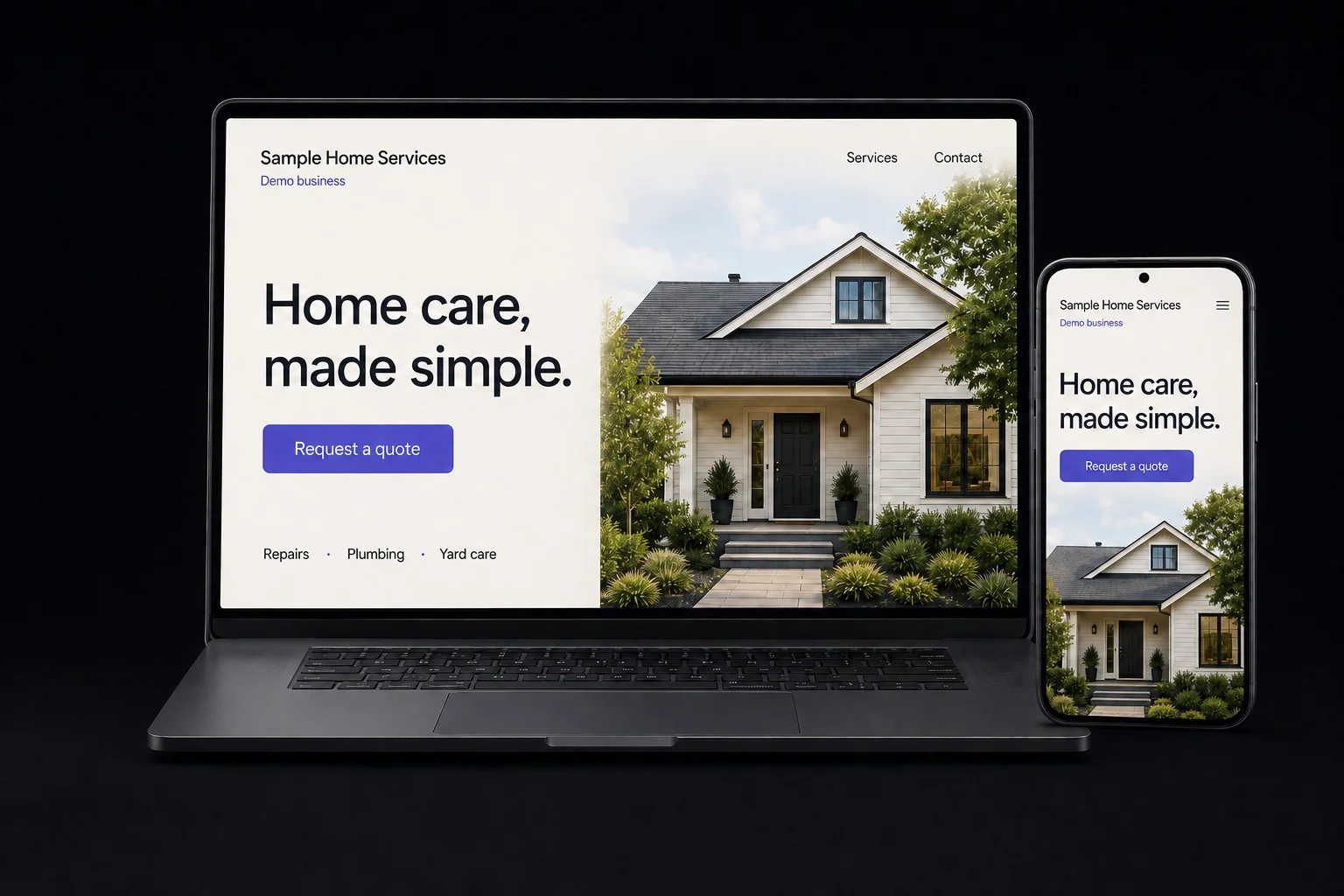
Start with a website built around your services. Add tools for customer messages, reviews, and follow-up as your business needs them.
Managed Website
Show the services you offer, the places you work, and how to get in touch. We plan and design your website, then keep it hosted and maintained.
See package pricing →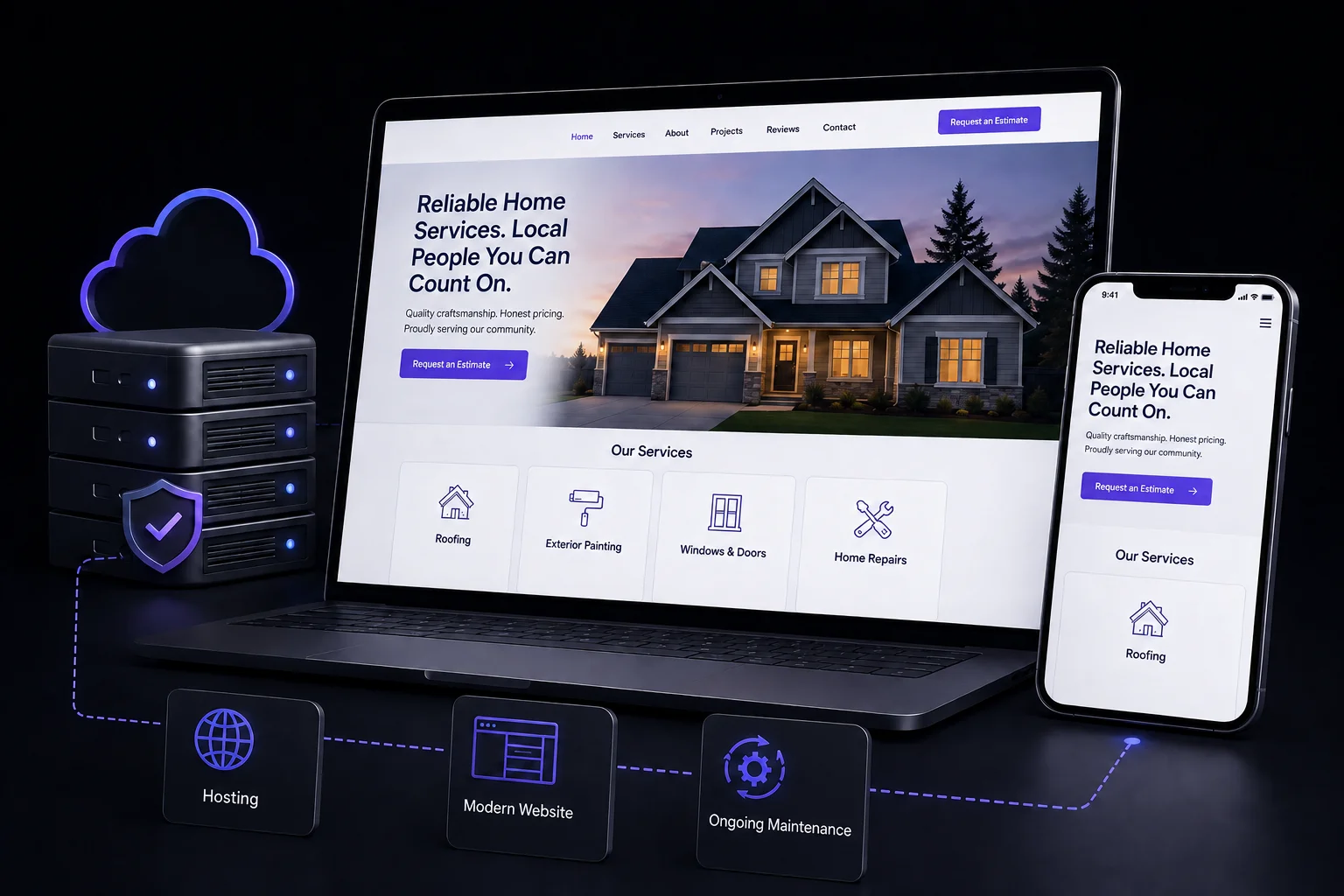
A website planned around your services, with a clear way to call or request an estimate on phones, tablets, and computers. Hosting, technical maintenance, and free revisions keep the site cared for.
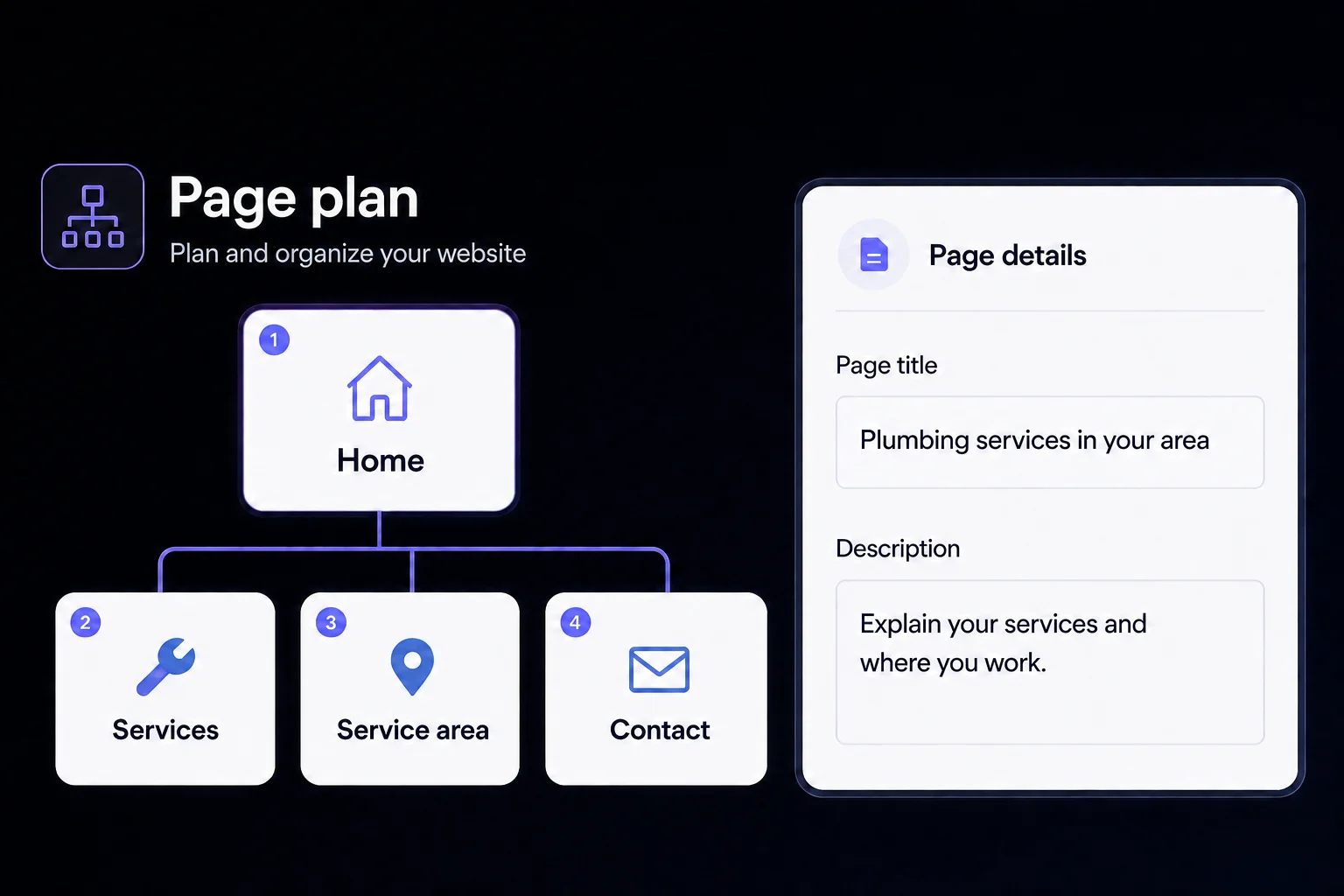
Plan your services, service area, and contact pages around the questions customers ask. Clear headings, page titles, and descriptions provide the website SEO foundation. Two pre-launch revision rounds give you room to review the details.
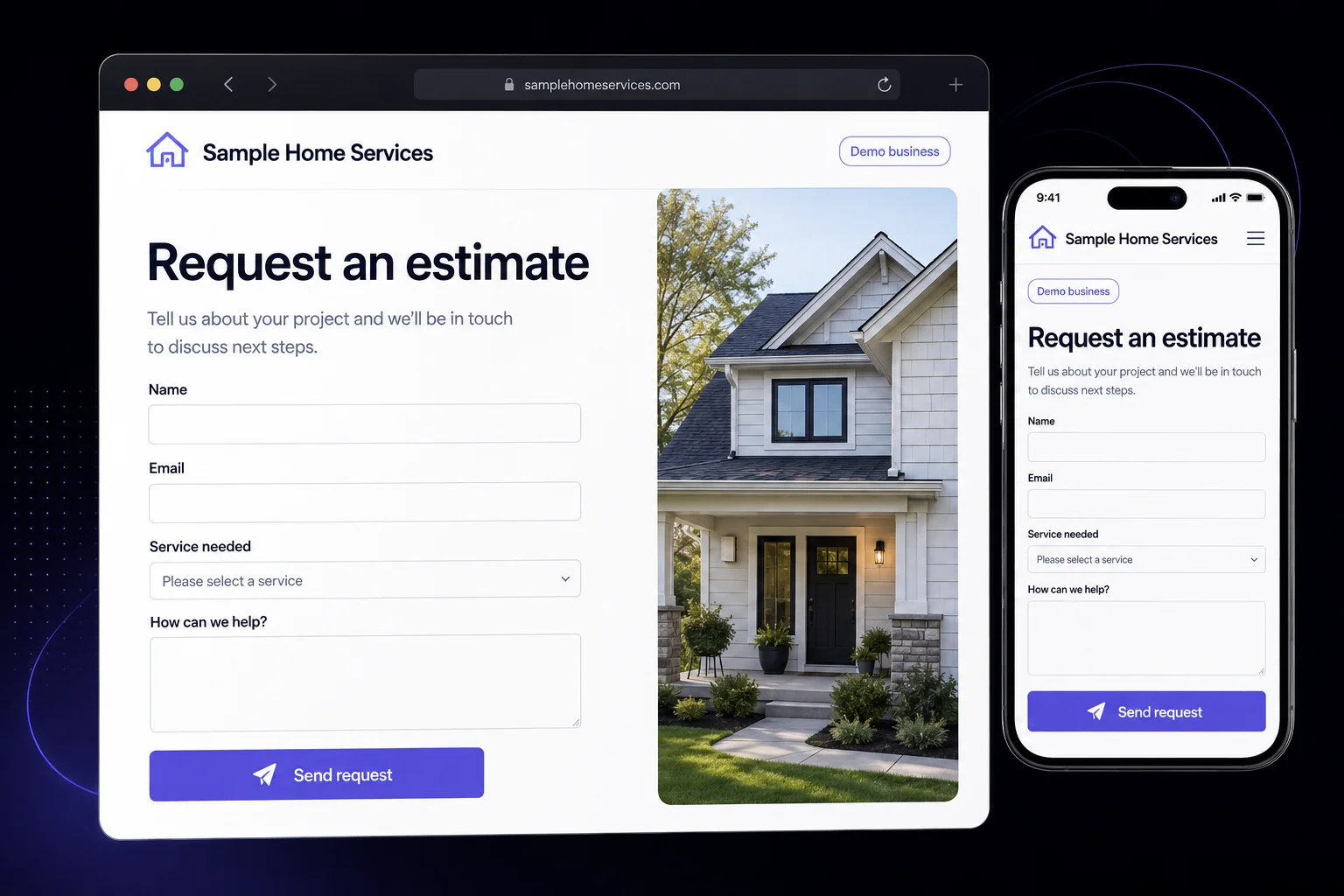
A contact or estimate request form collects the details you need to start a conversation. Customers can explain the job from a phone or computer, and your team handles the response.
Hosting and technical maintenance are included. Need to change your hours, update a service description, or swap a photo? Your package includes free revisions. Larger changes are scoped separately.
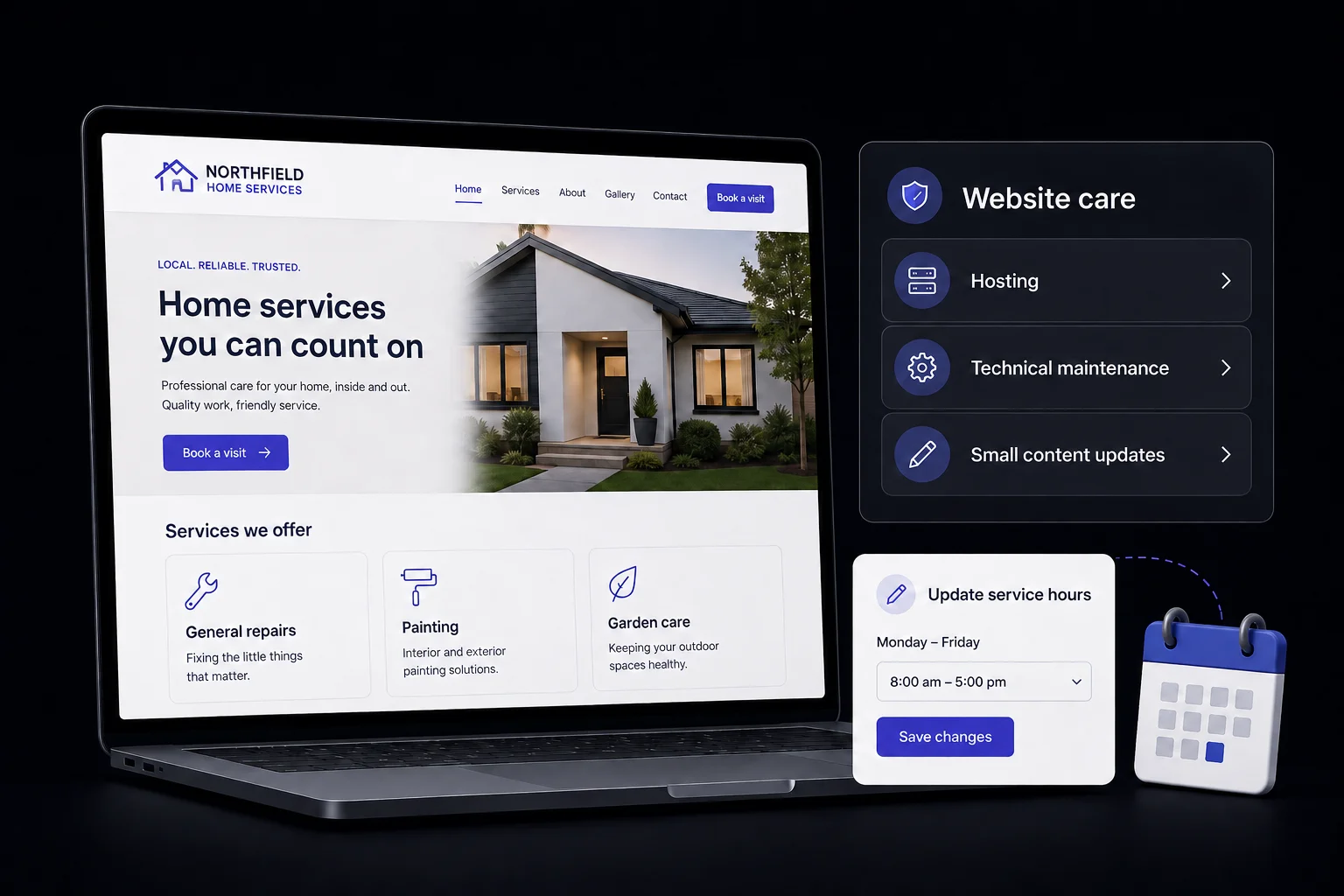
Managed Website + Customer Connection
Give website visitors a number to call or text. Send a text back after a missed call, see connected messages in one inbox, and use the mobile app when you’re away from your desk.
See package pricing →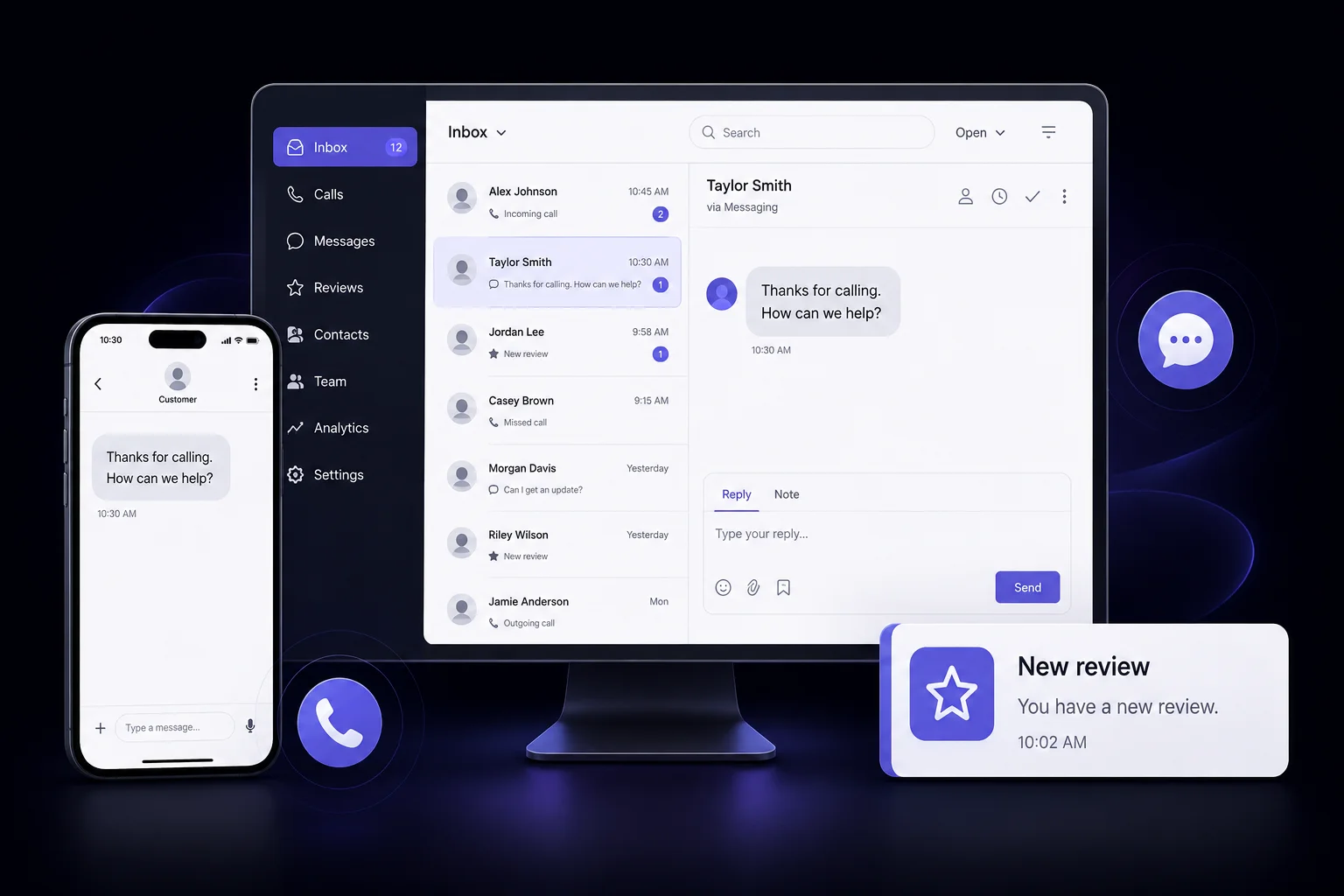
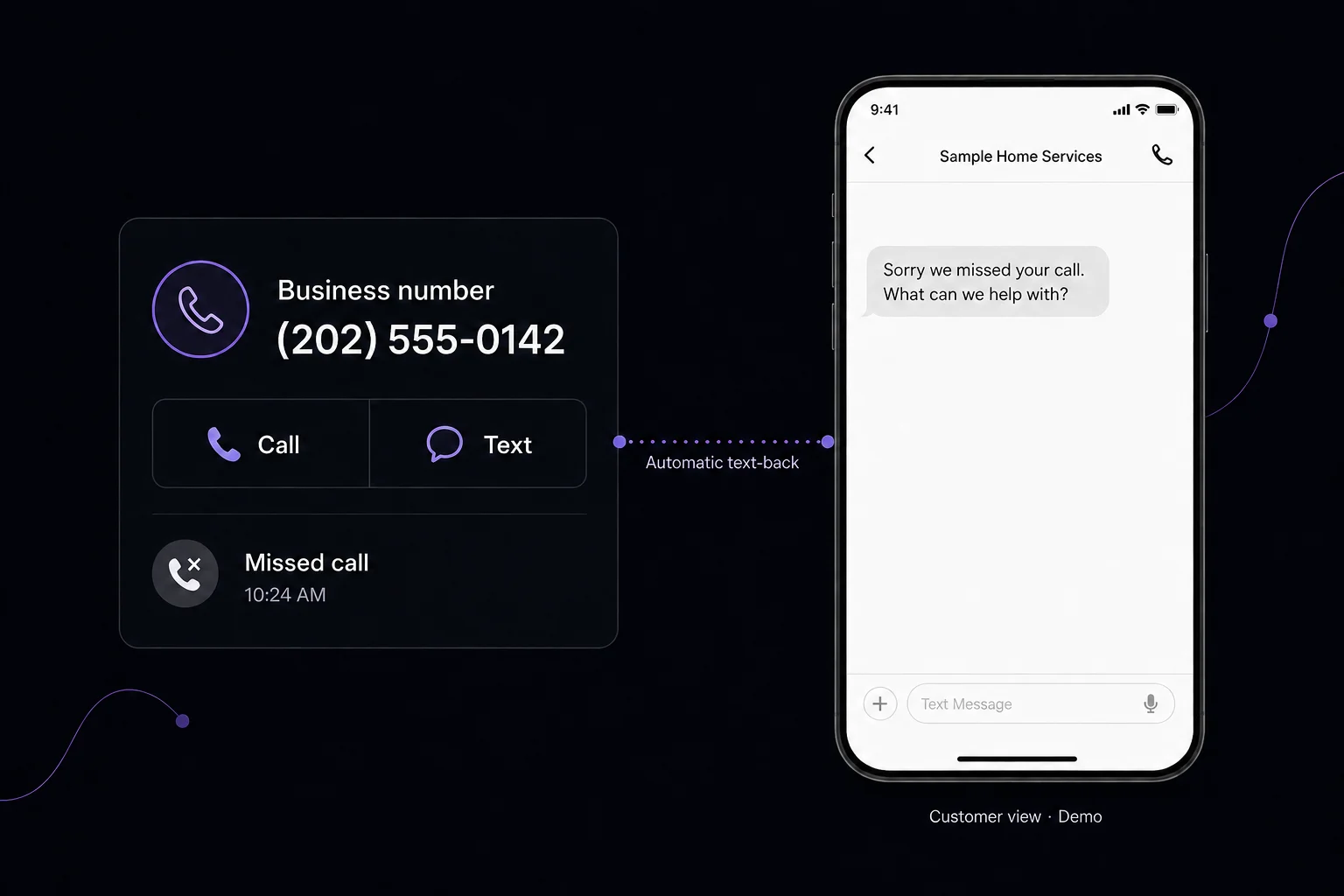
A dedicated number handles website calls and texts. When a call is missed, an automatic text can invite the customer to explain what they need. Your team picks up the conversation.
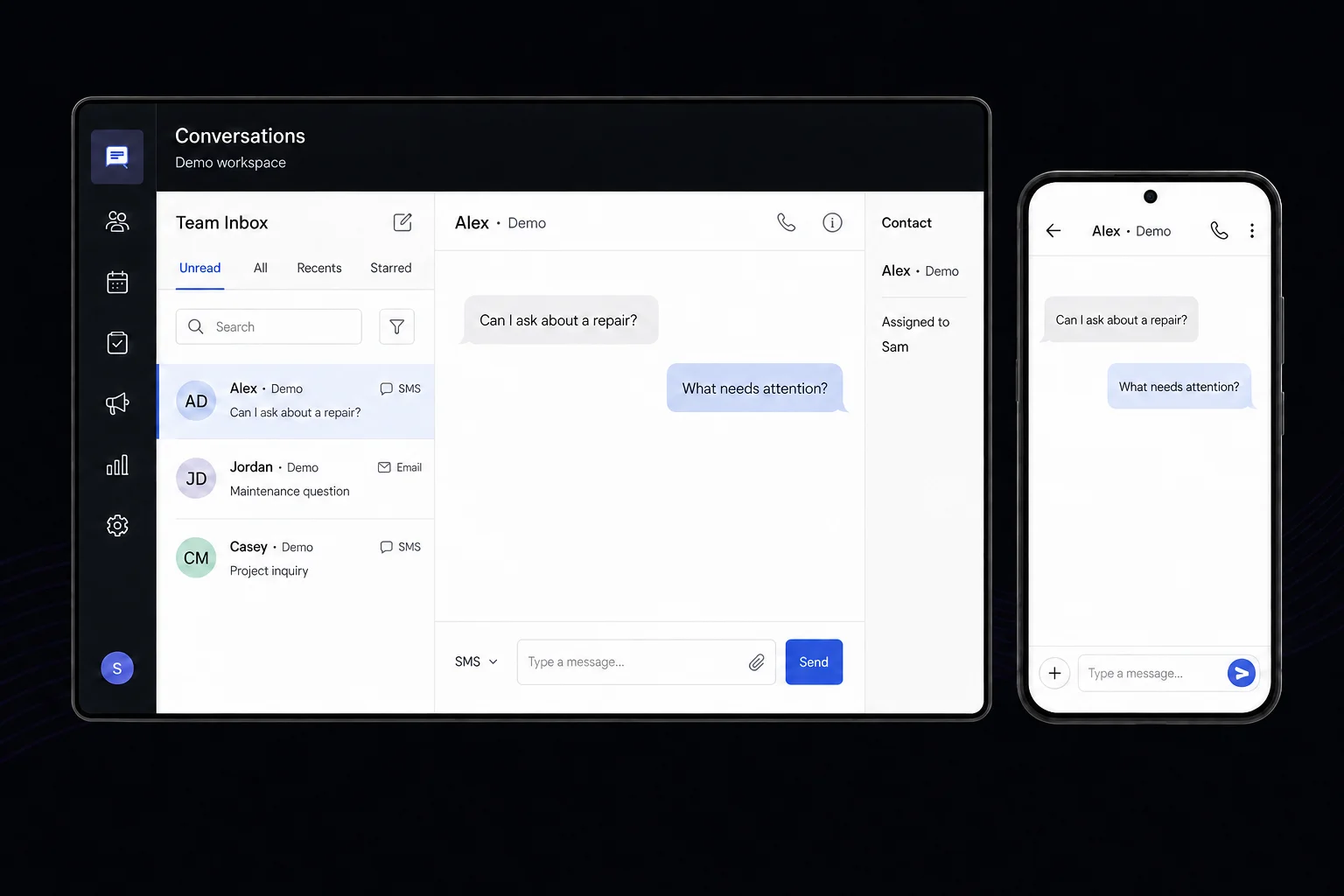
Read connected customer messages in a shared inbox and access conversations from the mobile app. You and your team handle replies, appointments, and customer decisions; BearGorilla sets up and supports the tools.
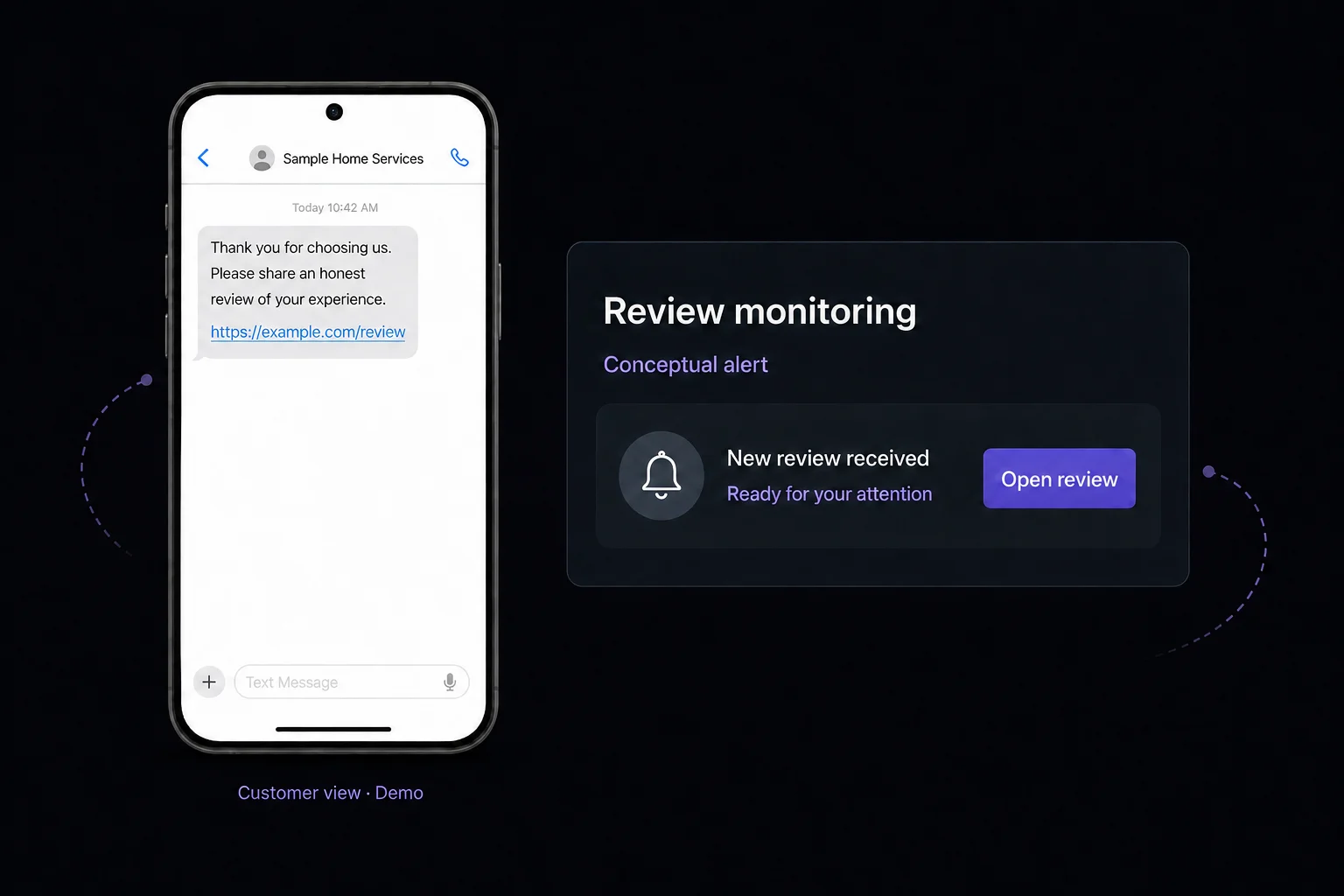
Send automatic review requests and receive review monitoring alerts. The example shows a customer receiving a review link by text. Feedback tools do not filter who can leave a public review or guarantee ratings.
Managed Website + Sales System
Keep customer records and potential jobs organized in a pipeline built around your sales process. Assign leads, alert your team, and set up agreed follow-up automations.
See package pricing →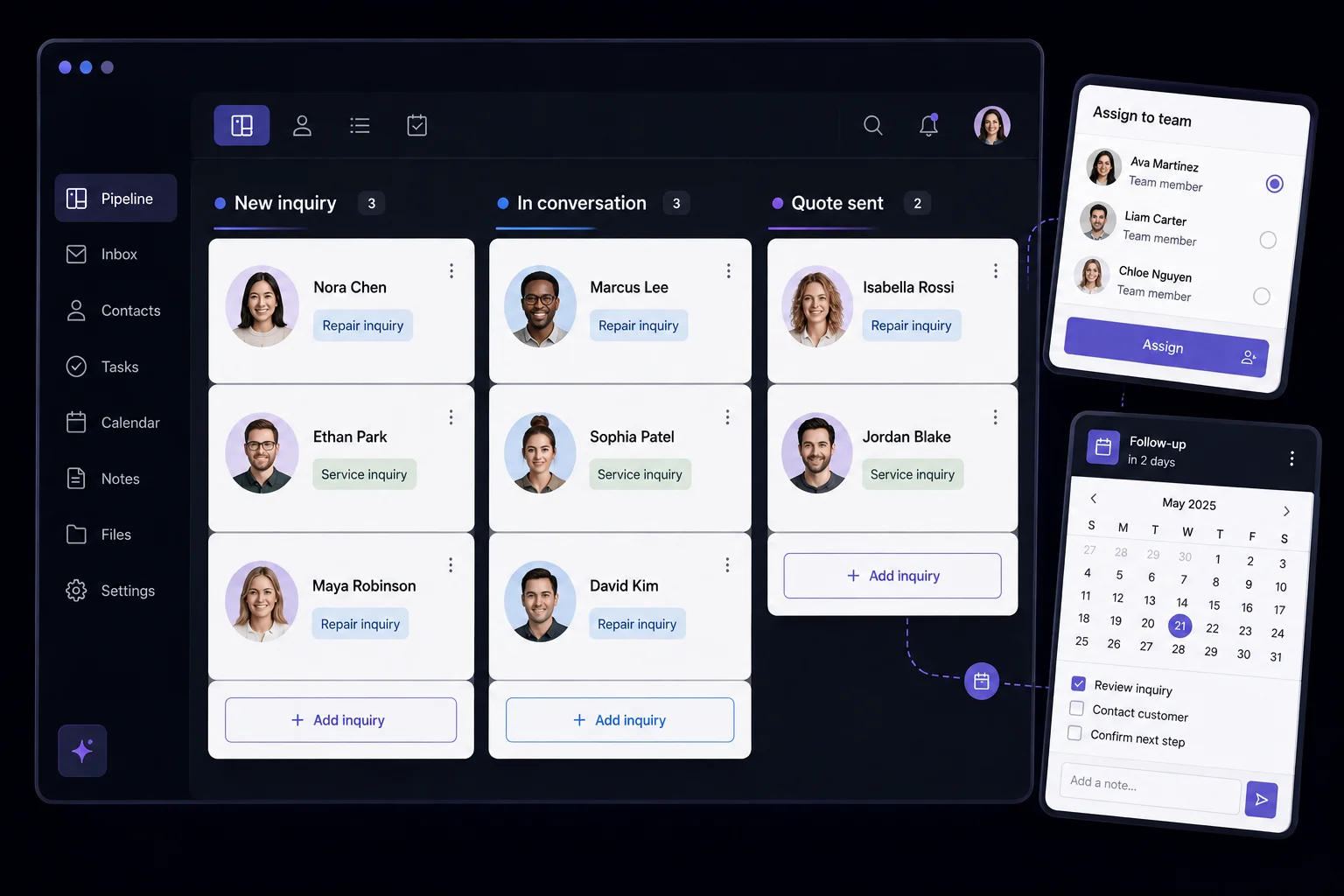
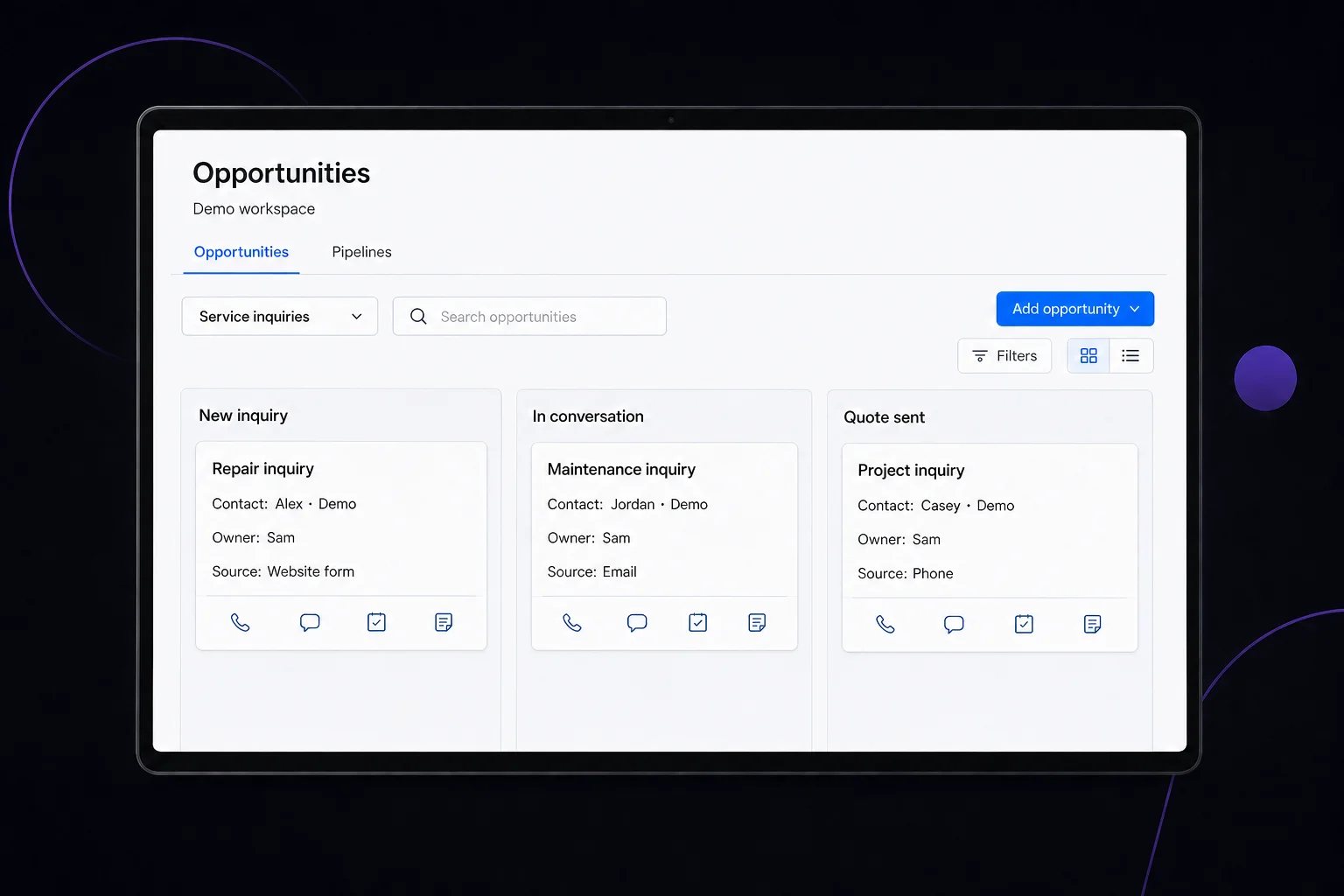
Organize customer records and inquiries by stages that fit your sales process. Supported lead sources connect to your pipeline so your team can see the contact, assigned owner, and next step.
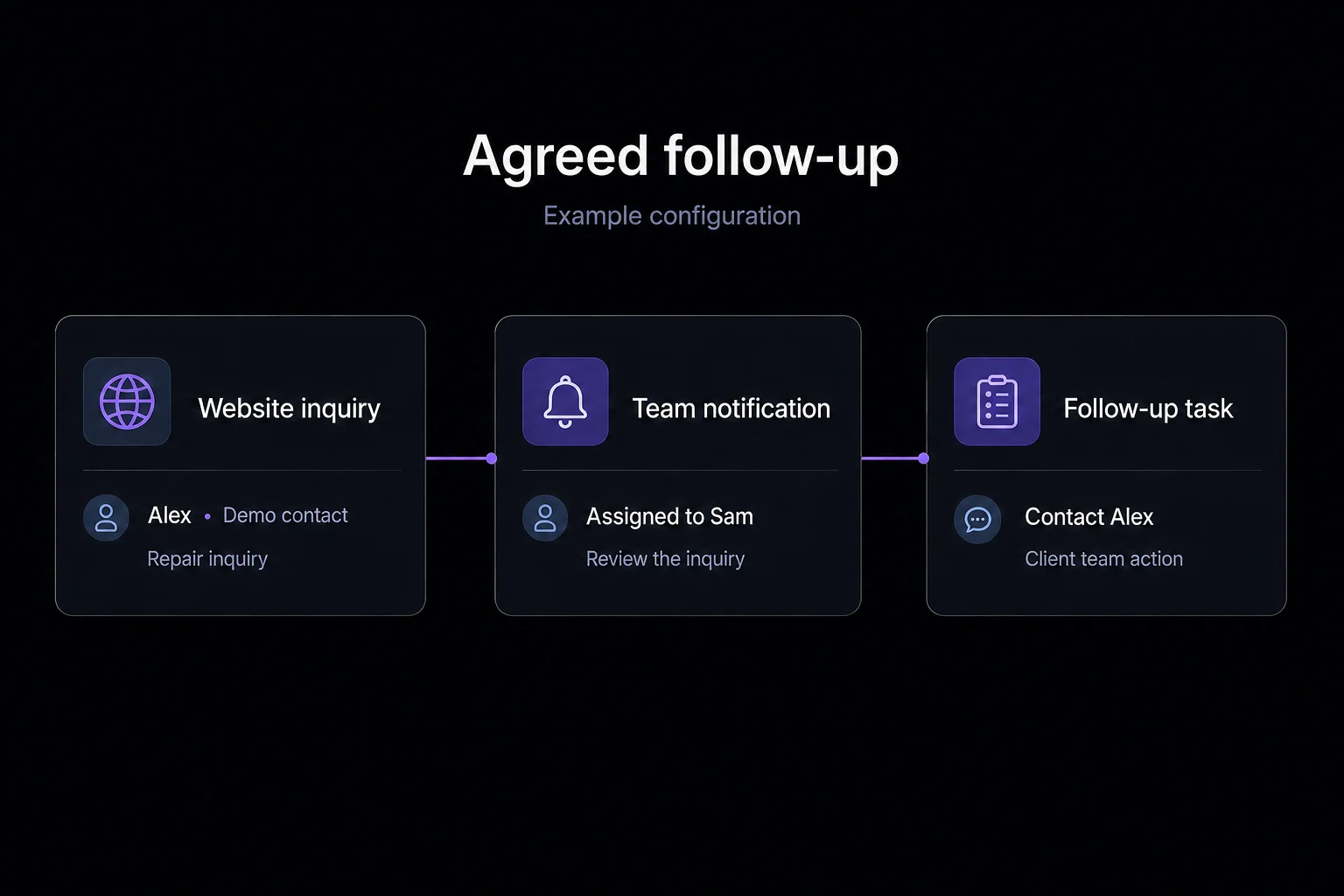
Agreed automations can assign an inquiry, notify a team member, and create a follow-up task. In this example, a website inquiry is assigned to Sam, who is prompted to contact Alex. Your team takes that next step.
We connect supported inquiry sources, configure and test your agreed pipeline and automations, and provide initial team training. Priority support covers your pipeline and automation needs. Your team stays responsible for conversations and sales.
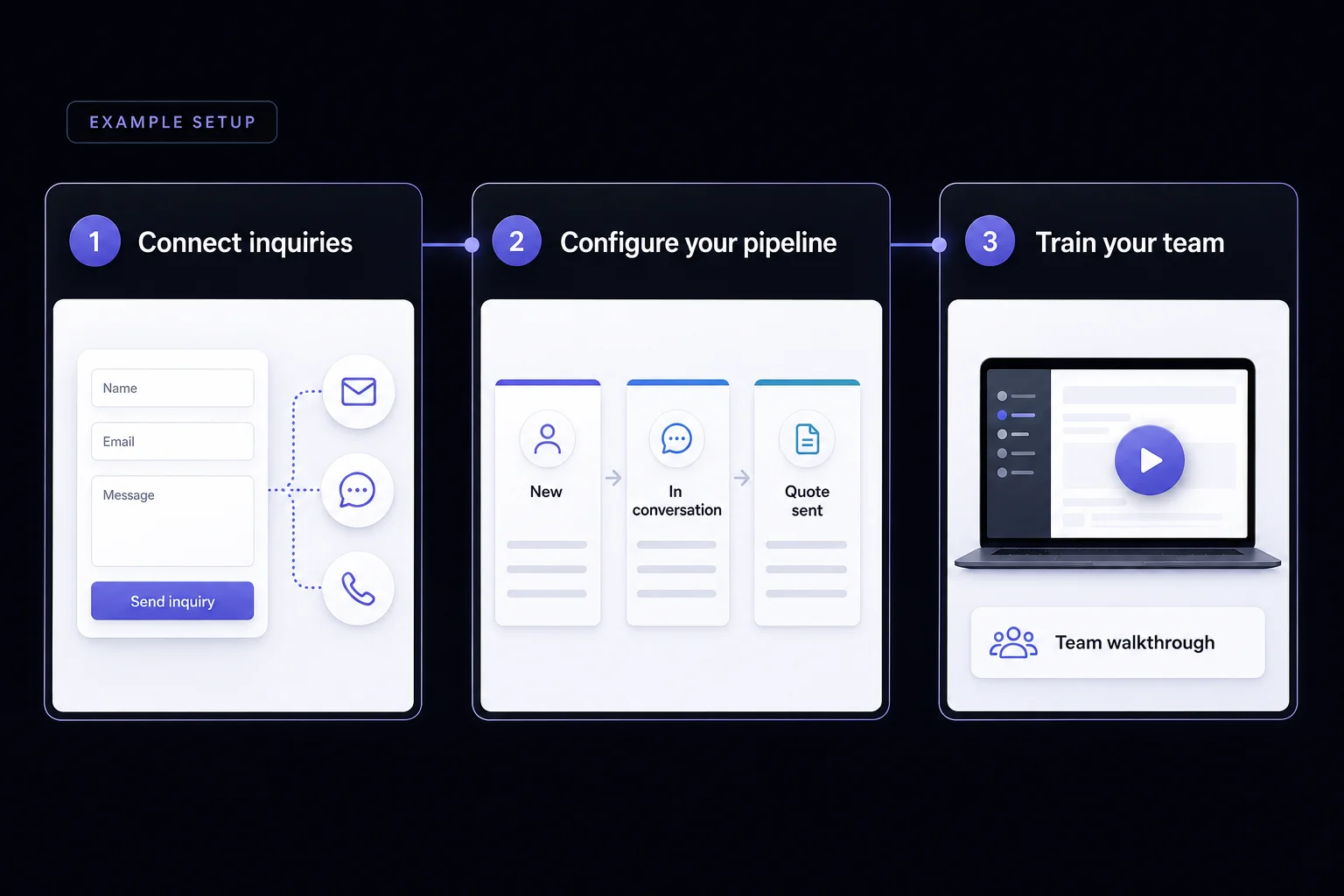
Tell us how inquiries reach your business and where follow-up gets difficult. We’ll help you choose a package and confirm the pages, supported connections, and automations in your proposal.